Reservations
To sign into IEX, users with email domains @columbia.edu only:
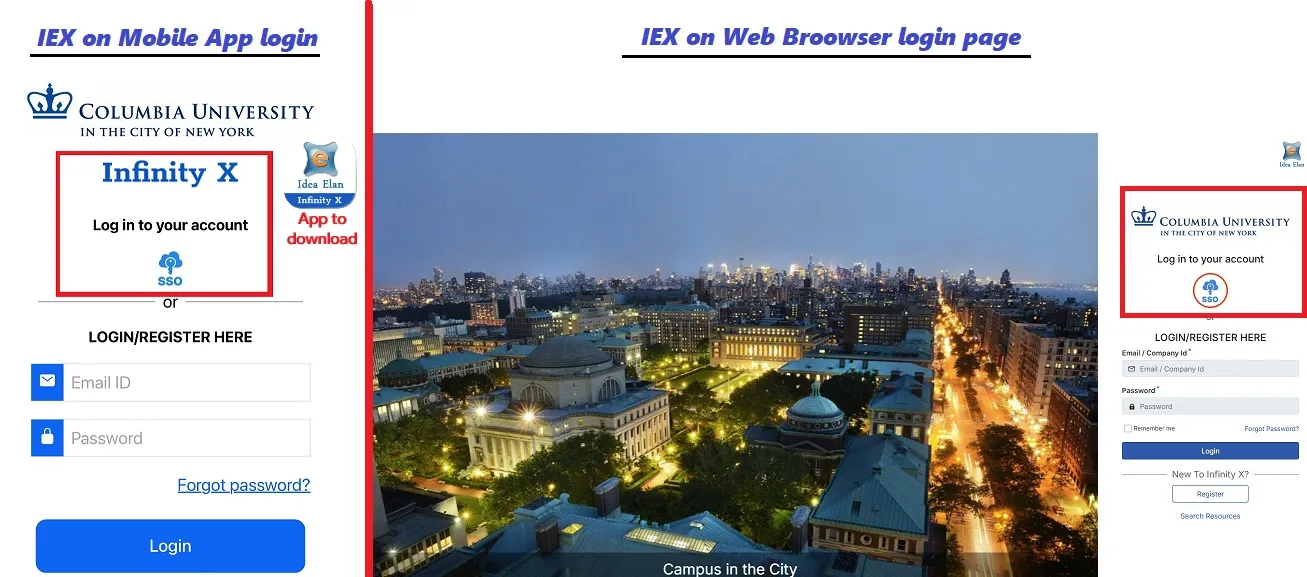
Steps to Login to Idea Elan X on Mobile App (name: Idea Elan Infinity X)
- Download Idea Elan Infinity X app from the Apple Store or Google Play Store
- Open app, insert case-sensitive code: Columbia-P
- Sign in using SSO only, login using CU credentials and Duo 2FA if enabled
- When logged in, tap 3 lines on upper left, then "Instruments" to see instruments
Steps to Login to Idea Elan X on Web Browser
- On web browser, go to: Idea Elan Login
- Sign in using SSO only, login using CU credentials and Duo 2FA if enabled
- Once logged in, on left panel, click on "Instruments" to see instruments
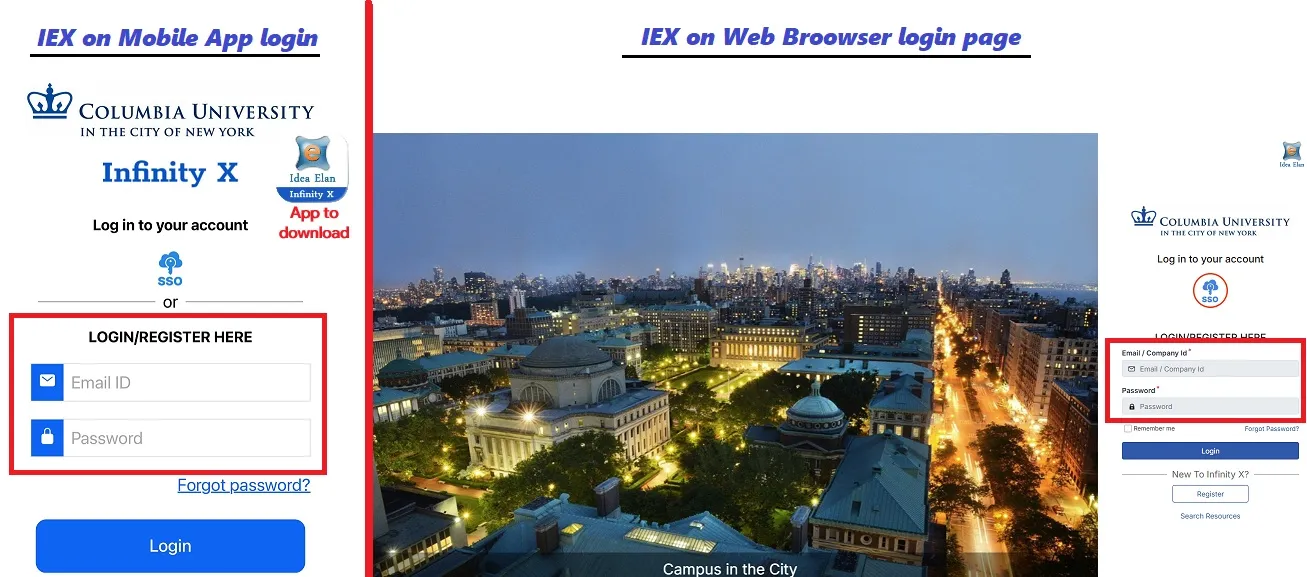
Users with email domains such as @barnard.edu, @cumc.columbia.edu:
- Log in by manually typing credentials on Idea Elan Login or mobile app, do not use SSO
- If you need a password reset, please contact Martin ([email protected])